
JSON Viewer
JSON Viewer
A powerful JSON Viewer helps developers and data analysts instantly read, format, and organize structured JSON (JavaScript Object Notation) data. Instead of struggling with compressed or unformatted code, you can use this smart tool to view JSON data in a clean and readable layout. Whether you are debugging an API response or reviewing configuration files, a reliable JSON Viewer makes the process simple and efficient.
Our advanced tool also works as a complete JSON formatter and JSON parser online, allowing you to validate structure, highlight syntax, and apply JSON pretty print formatting in seconds. Designed for speed and accuracy, the JSON Viewer transforms raw JSON into a structured tree view that is easy to navigate. With secure browser-based processing, you can analyze, beautify, and optimize your JSON files without installing additional software.
What Is JSON?
JSON (JavaScript Object Notation) is a lightweight data-interchange format used to store and transmit structured information between systems. It represents data using simple key-value pairs and organized arrays, making it easy for both humans and machines to read. JSON is widely used in REST APIs, web services, and modern web applications because of its clean syntax and compatibility with programming languages such as JavaScript, Python, PHP, and Java.
Since JSON files often contain nested objects and large datasets, using a JSON Viewer becomes essential to properly view JSON data in a readable format. Instead of scanning raw text filled with brackets and commas, developers rely on a structured JSON formatter and JSON parser online to apply JSON pretty print formatting. This makes complex JSON structures easier to analyze, debug, and validate efficiently.
What Is a JSON Viewer?
A JSON Viewer is a browser-based tool designed to display and organize JSON data in a structured and readable format. Instead of viewing raw JSON text filled with brackets, braces, and nested elements, a JSON Viewer transforms the data into a clean layout with proper indentation and hierarchy. This makes it much easier to understand complex structures, especially when working with API responses or configuration files.
An advanced JSON Viewer also works as a built-in JSON formatter and JSON parser online, allowing users to validate syntax and apply JSON pretty print formatting instantly. It highlights errors, organizes nested objects into a tree view, and improves readability without changing the original data. Whether you need to view JSON data for debugging or analysis, a reliable JSON Viewer provides clarity, efficiency, and accurate formatting in seconds.
How Does a JSON Viewer Work?
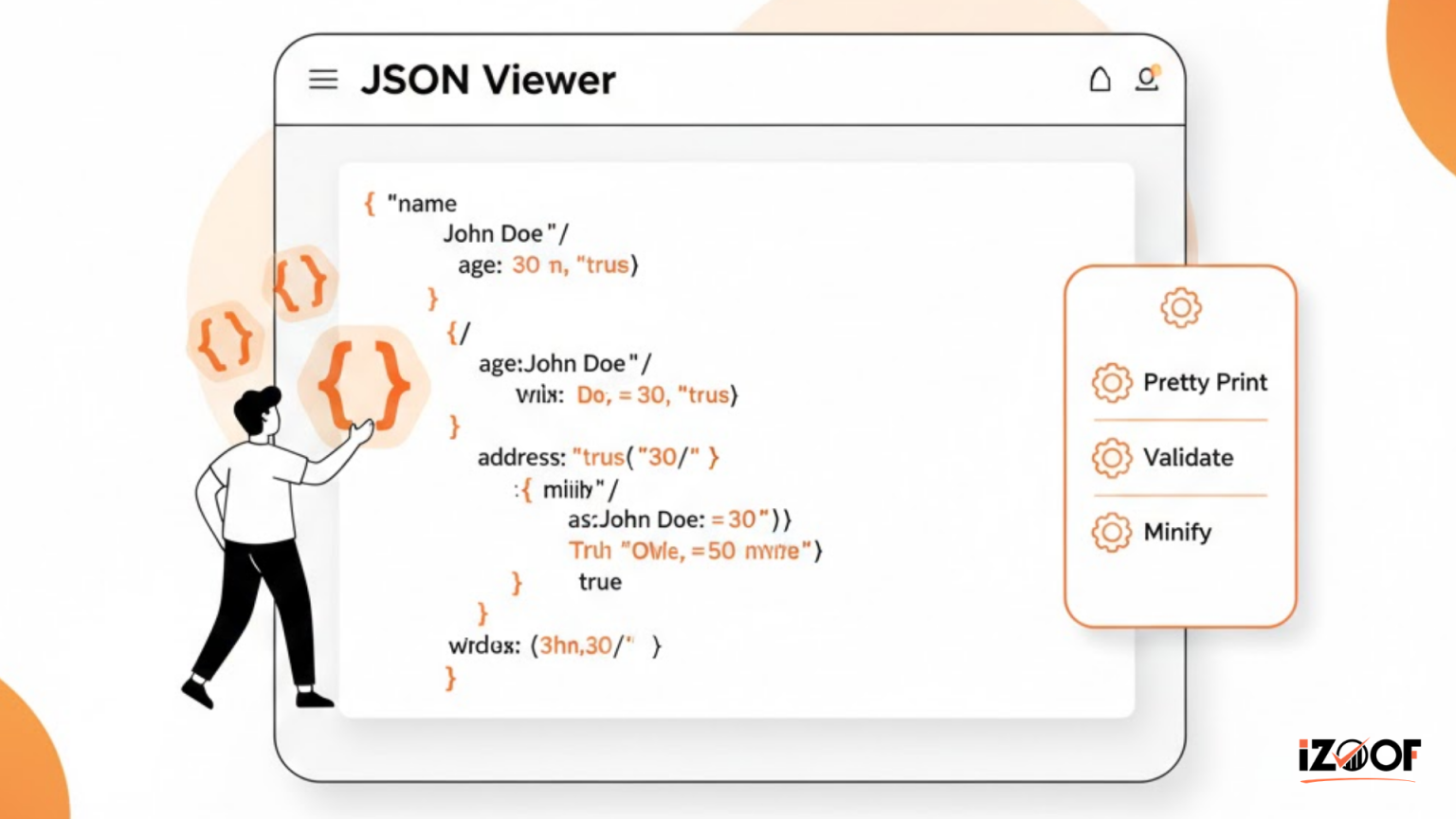
A modern JSON Viewer works by parsing raw JSON data using intelligent processing algorithms built into the browser. When you paste or upload a JSON file, the JSON Viewer first validates the syntax to check for structural errors such as missing brackets, commas, or quotation marks. Acting as a reliable JSON parser online, it ensures the data follows correct formatting rules before displaying it.
Once validated, the JSON Viewer organizes the content into a readable tree structure. This allows users to expand or collapse nested objects and arrays for easier navigation. At the same time, the built-in JSON formatter applies proper indentation and spacing, commonly known as JSON pretty print, to improve clarity. By transforming raw code into a structured visual layout, the JSON Viewer makes it simple to view JSON data efficiently and accurately.
Key Features of Our JSON Viewer
Our advanced JSON Viewer is designed to simplify the process of analyzing and organizing structured JSON data. One of its core features is the built-in JSON formatter, which instantly applies proper indentation and spacing for improved readability. With a single click, you can transform raw JSON into clean, structured output using JSON pretty print formatting.
The JSON Viewer also functions as a powerful JSON parser online, validating syntax and highlighting errors in real time. It supports tree view visualization, allowing users to expand and collapse nested objects for easier navigation. Whether you want to upload a file or paste content directly, this tool lets you efficiently view JSON data without additional software. With secure browser-based processing and cross-platform compatibility, the JSON Viewer provides speed, clarity, and reliability for developers and analysts alike.
Why Developers Need a JSON Formatter?
Developers frequently work with large volumes of JSON data, especially when handling REST APIs, configuration files, and server responses. Raw JSON often appears compressed into a single line, making it difficult to interpret. A reliable JSON Viewer combined with a powerful JSON formatter helps transform messy code into structured, readable output. By applying JSON pretty print formatting, developers can quickly identify key-value pairs, nested objects, and arrays without confusion.
An advanced JSON Viewer also works as a dependable JSON parser online, validating syntax and detecting structural issues instantly. When you need to view JSON data for debugging or troubleshooting, having clear formatting improves productivity and reduces errors. Whether building web applications or integrating APIs, developers rely on a clean and accurate JSON Viewer to streamline data analysis and ensure smooth communication between systems.
JSON Viewer vs JSON Editor
A JSON Viewer and a JSON editor may seem similar, but they serve different purposes in handling JSON data. A JSON Viewer focuses primarily on displaying structured data in a readable format. It applies JSON pretty print formatting, organizes nested objects into a tree view, and helps users quickly view JSON data without altering the original content. This makes it ideal for debugging and analyzing API responses.
In contrast, a JSON editor is designed for actively modifying and writing JSON code. While editors allow deeper development work, a lightweight JSON Viewer combined with a built-in JSON formatter and JSON parser online is perfect for fast validation and visualization. If your goal is to inspect structure, detect errors, and improve readability, a reliable JSON Viewer provides a quicker and more focused solution.
Common JSON Errors You Can Detect
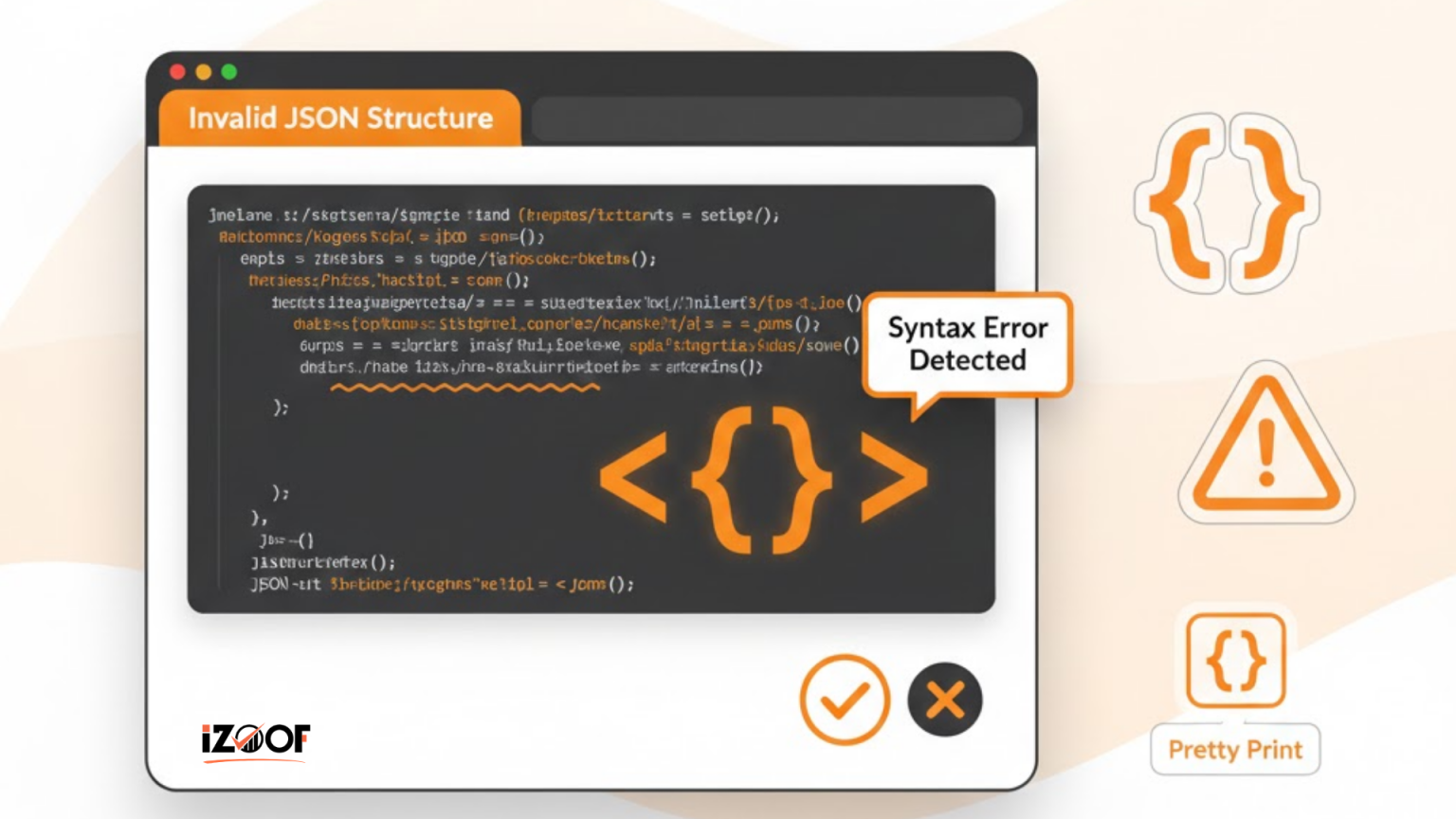
Working with structured JSON data can sometimes lead to small but critical mistakes. A reliable JSON Viewer helps detect common issues such as missing commas, unmatched brackets, and incorrect quotation marks. These syntax errors often cause parsing failures when sending data to a server or consuming an API. By using a built-in JSON parser online, the JSON Viewer instantly highlights structural problems so you can fix them quickly.
Another frequent issue includes malformed arrays or improperly nested objects. When JSON is not formatted correctly, it becomes difficult to view JSON data clearly. The integrated JSON formatter applies proper indentation through JSON pretty print, making hidden errors easier to spot. With accurate validation and visual organization, the JSON Viewer ensures your data remains clean, valid, and ready for seamless integration into web applications or APIs.
Is Our JSON Viewer Secure?
Security is essential when working with sensitive JSON data, especially when handling API responses or configuration files. Our JSON Viewer is built with a privacy-focused approach to ensure your data remains protected. This browser-based JSON Viewer processes content locally using secure client-side execution, meaning your uploaded or pasted JSON is not permanently stored on external servers.
The integrated JSON parser online validates syntax and applies JSON pretty print formatting without transmitting your data to third parties. As a dependable JSON formatter, it allows you to safely view JSON data while maintaining confidentiality. No registration is required, and your content is automatically cleared after the session ends. By combining secure processing with efficient formatting features, the JSON Viewer provides a safe and reliable environment for analyzing and validating JSON structures online.
Final Thoughts
A dependable JSON Viewer is an essential tool for developers, analysts, and anyone working with structured JSON data. By combining a powerful JSON formatter, a reliable JSON parser online, and structured JSON pretty print formatting, the JSON Viewer transforms raw code into a clean and readable layout. Whether you need to debug API responses or simply view JSON data, this tool ensures clarity and efficiency.
With secure browser-based processing and instant validation, the JSON Viewer offers both performance and privacy. Instead of manually formatting or scanning raw JSON, you can rely on this intelligent solution to streamline your workflow and maintain accurate, well-structured data every time.
Frequently Asked Questions
How can I view JSON data online?
You can use a reliable JSON Viewer to paste or upload your file and instantly view JSON data in a structured tree format. The built-in JSON parser online validates and organizes the content automatically.
What is JSON pretty print?
JSON pretty print refers to formatting JSON with proper indentation and spacing. A powerful JSON formatter inside the JSON Viewer makes raw JSON readable and easier to analyze.
Does this tool validate JSON syntax?
Yes, the JSON Viewer includes validation features that detect missing commas, brackets, and other structural errors before displaying the data.
Is this JSON parser online free?
Absolutely. Our JSON Viewer works as a free JSON parser online and formatter without requiring sign-up.


